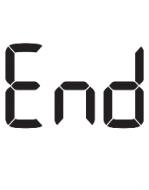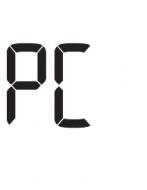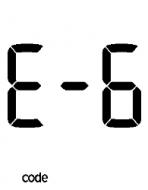
Accu-Chek Active
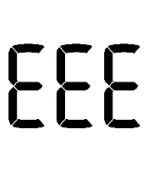
Error codes EEE
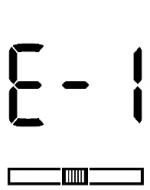
A meter error has occurred. Start again from the beginning. If the error message appears again, the meter is defective. Please contact (insert affiliate contact information).
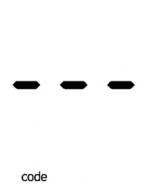
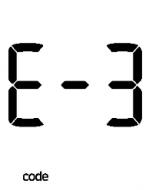
You removed the code chip while testing was in progress. Re-insert the code chip into the meter. Repeat the test with a new test strip.
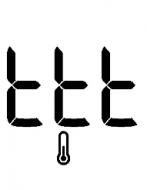
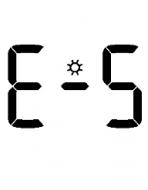
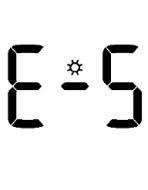
The meter is exposed to too much light. Go to a shaded place or shade the meter, for example with your body.
Do not perform a test when the meter and the test strips are exposed to direct sunlight. Go to a shaded place or shade the meter, for example with your body.
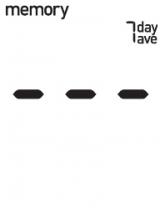
If the meter is exposed to too much light, the meter does not allow any tests to be performed. In this case the following error message appears on the display.
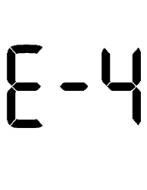
While the test was in progress, you connected the meter to a computer that was on. Remove the USB cable and repeat the test.
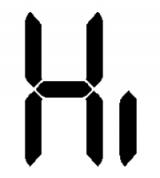
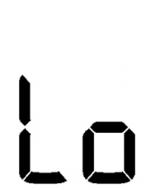
Your blood glucose value may be very low. If you have typical symptoms of a very low blood glucose, immediately follow your healthcare professional’s instructions for such cases. Repeat the test afterwards.
The time and date settings may be incorrect. Make sure the time and date are correct and adjust, if necessary.
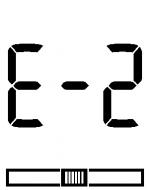
The battery is almost out of power. Change the battery now. If the message reappears after the battery has been replaced, remove the battery again, press any meter button, then reinsert the battery.