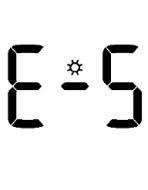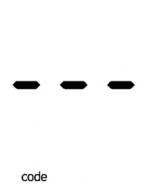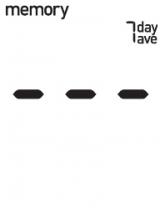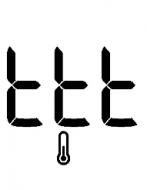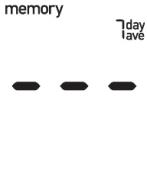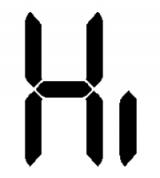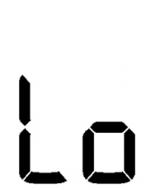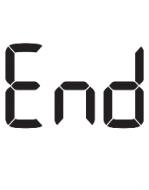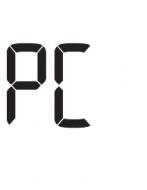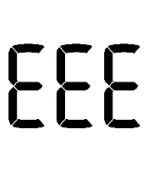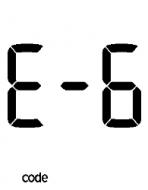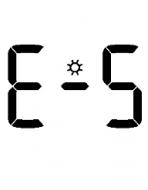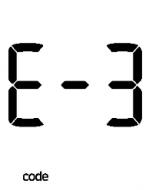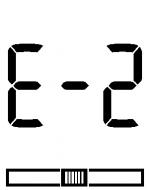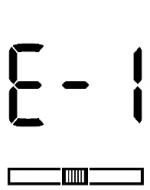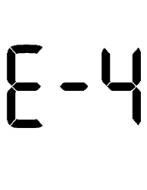
Accu-Chek Active Error codes E-4 While the test was in progress, you connected the meter to a computer that was on. Remove the USB cable and repeat the test. Light Exposure The meter is exposed to too much light. Go to a shaded place… Coding Error The code chip has not been correctly inserted into the meter.… Average Calculations Averages cannot be calculated because you have not set the… Meter Temperature The ambient temperature or the temperature of the meter is too… --- The code chip has not been correctly inserted into the meter.… White screen The battery is empty or there is no battery in the meter.… HI Your meter measures blood glucose within a defined range (0.6–… LO Your meter measures blood glucose within a defined range (0.6–… END The meter has been disconnected from the computer (PC). This… PC The meter is connected to a computer (PC). Once the connection… EEE A meter error has occurred. Start again from the beginning. If… E-6 You removed the code chip while testing was in progress. Re-… E-5 The meter is exposed to too much light. Go to a shaded place… E-3 The code chip cannot be read. Remove the code chip and re-… E-2 Your blood glucose value may be very low. If you have typical… E-1 You did not slide the test strip in correctly or completely.… View all error messages Product Support Get the most out of your Accu-Chek products with support and troubleshooting tips. Videos Library User manuals & guides FAQ